
Vertical
Construction & Contractors
Project-portfolio-first websites with structured schema for license verification and service-area authority.
22 live builds in this vertical.
Demo builds

A Concrete SI
Construction & Contractors

Advanced Pools & Spas
Construction & Contractors

All American Decks
Construction & Contractors
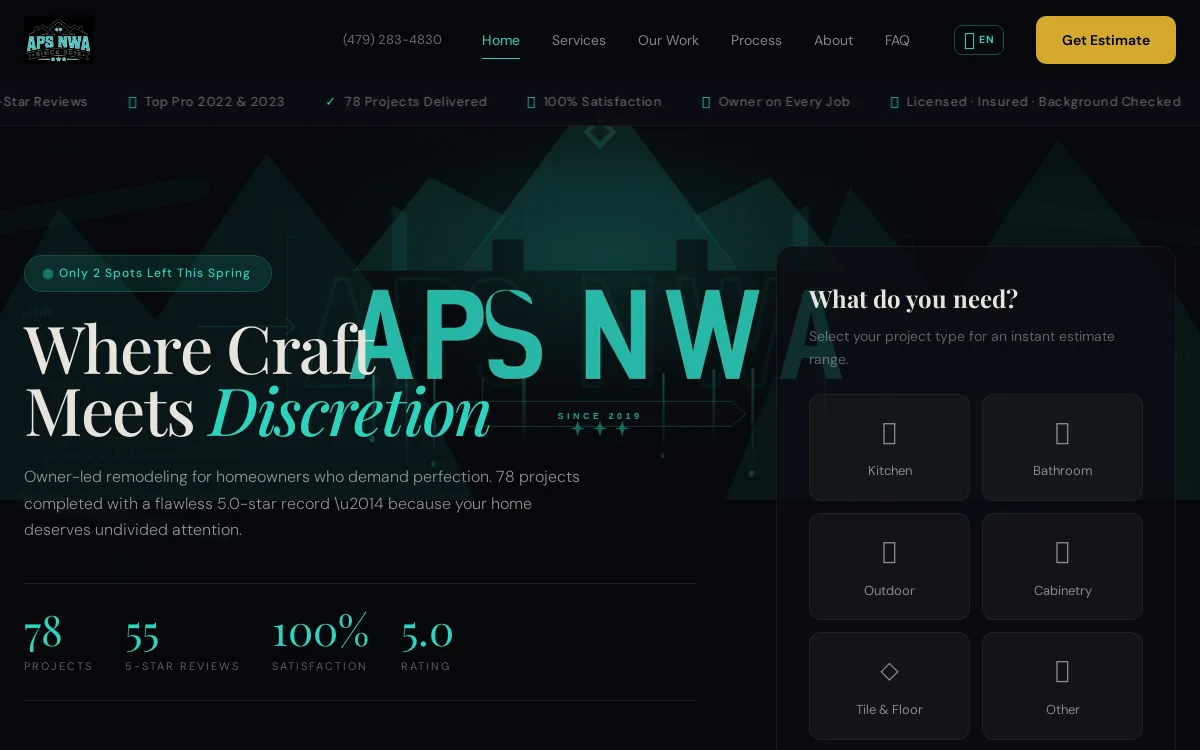
APS NWA
Construction & Contractors
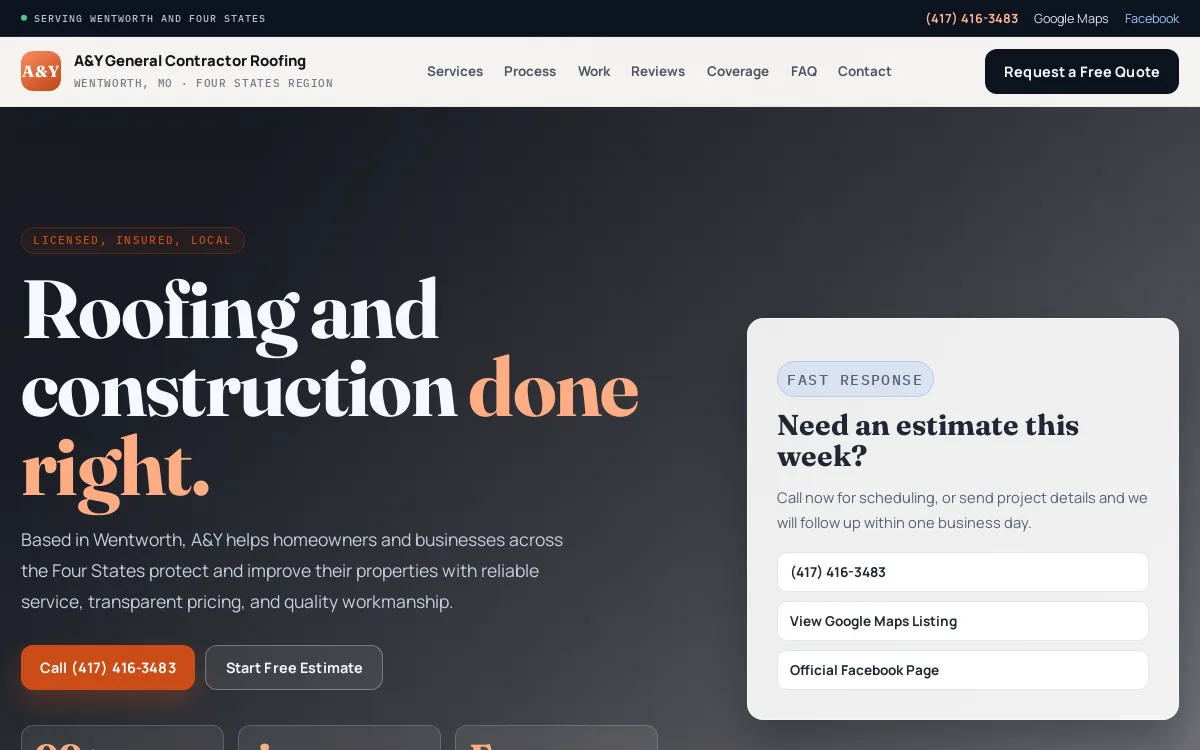
AY General Contractor
Construction & Contractors
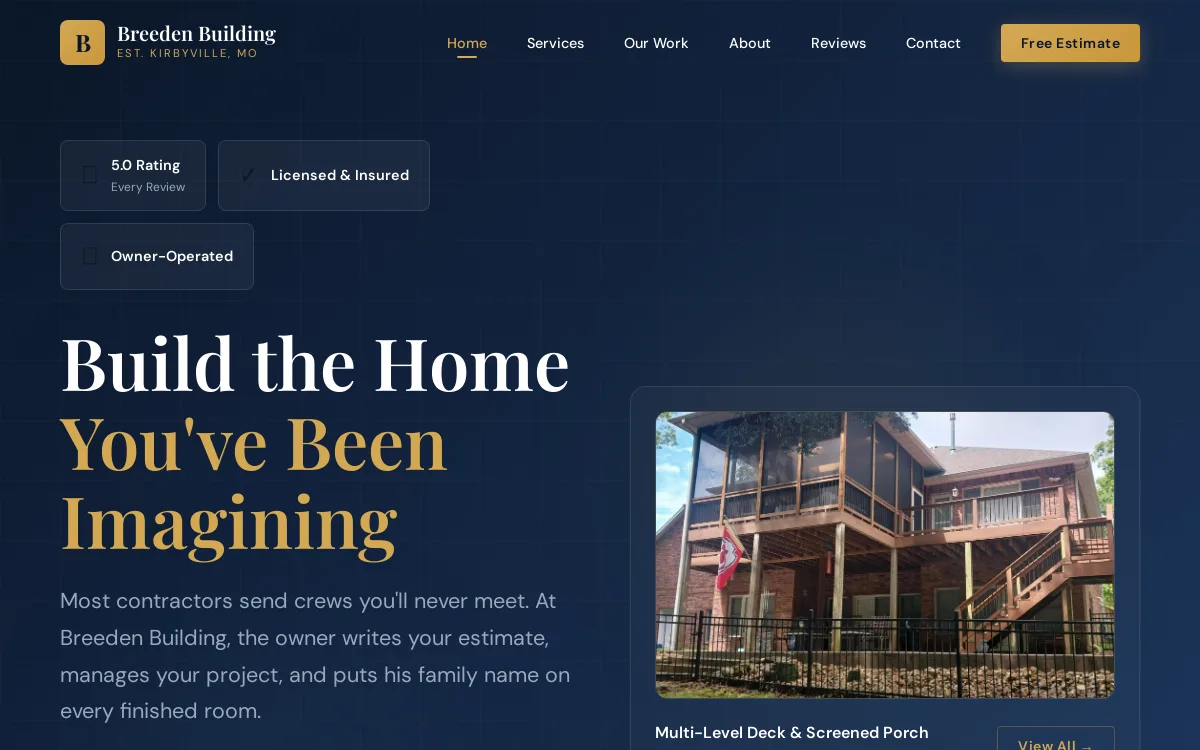
Breeden Building
Construction & Contractors
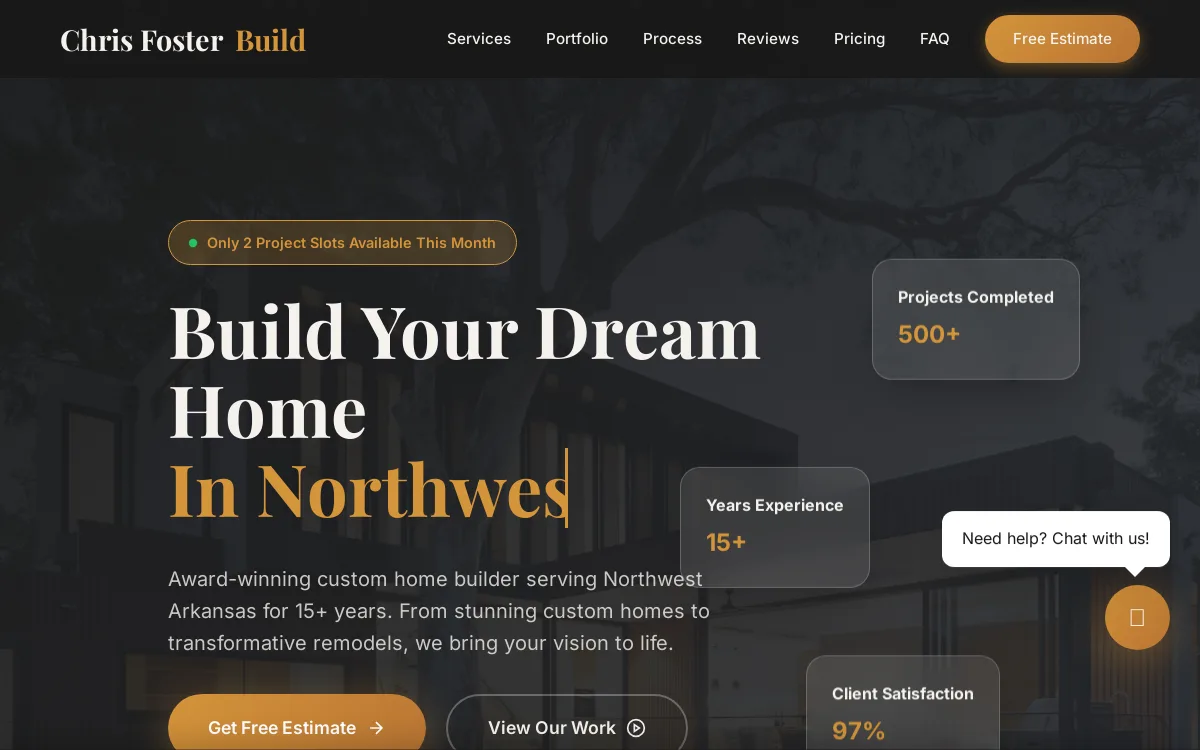
Chris Foster Build
Construction & Contractors

Chronister Homes
Construction & Contractors

Copperhead Welding
Construction & Contractors
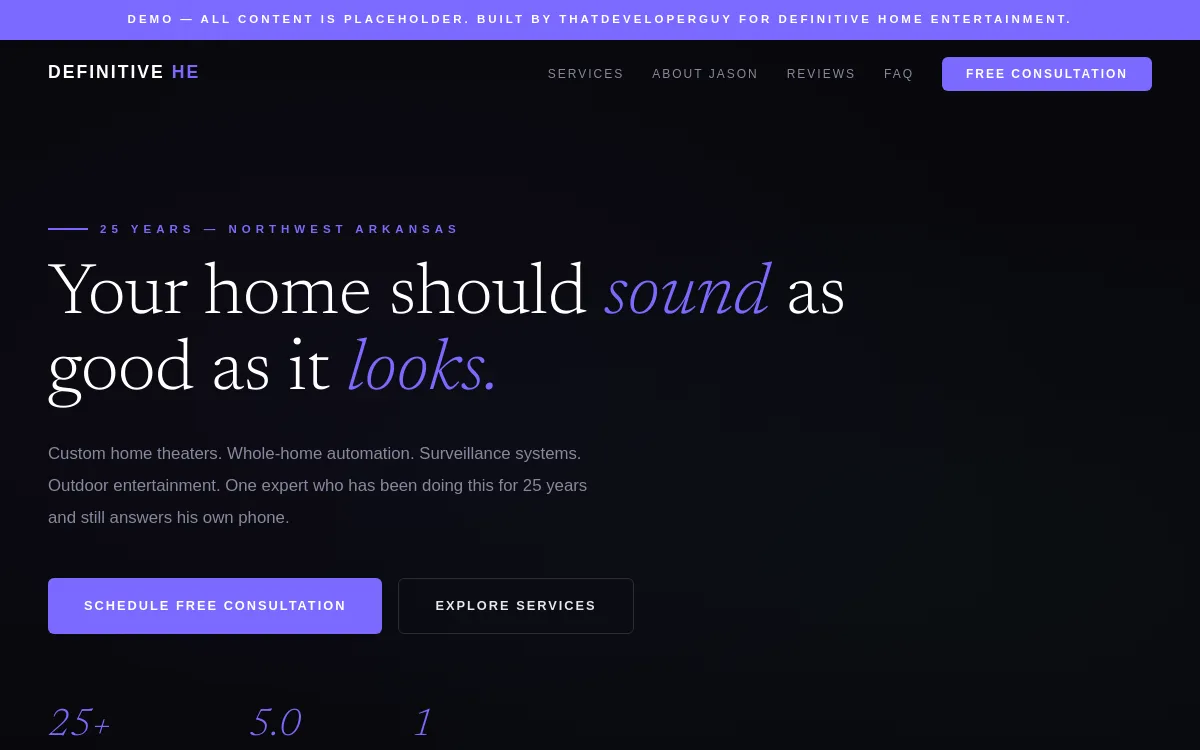
Definitive Home Entertainment
Construction & Contractors

EA Seamless Gutters
Construction & Contractors
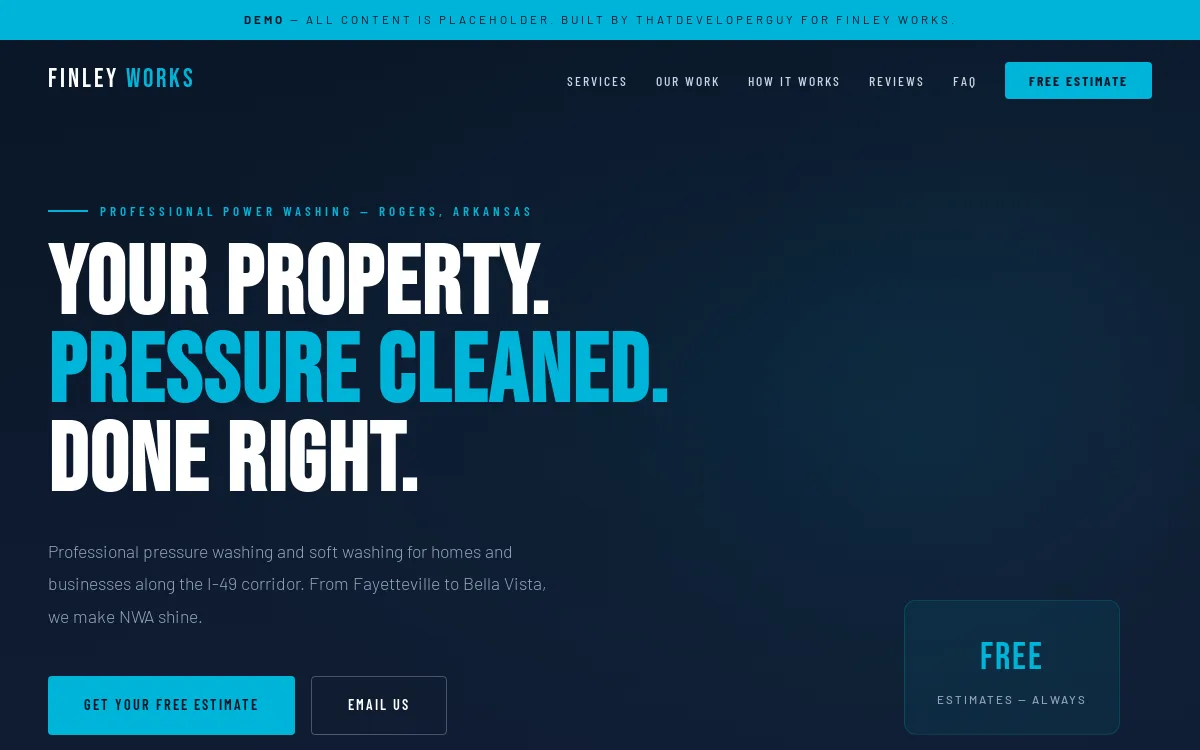
Finley Works
Construction & Contractors

High Caliber
Construction & Contractors

NWA Assembly
Construction & Contractors

NWA Pour People
Construction & Contractors
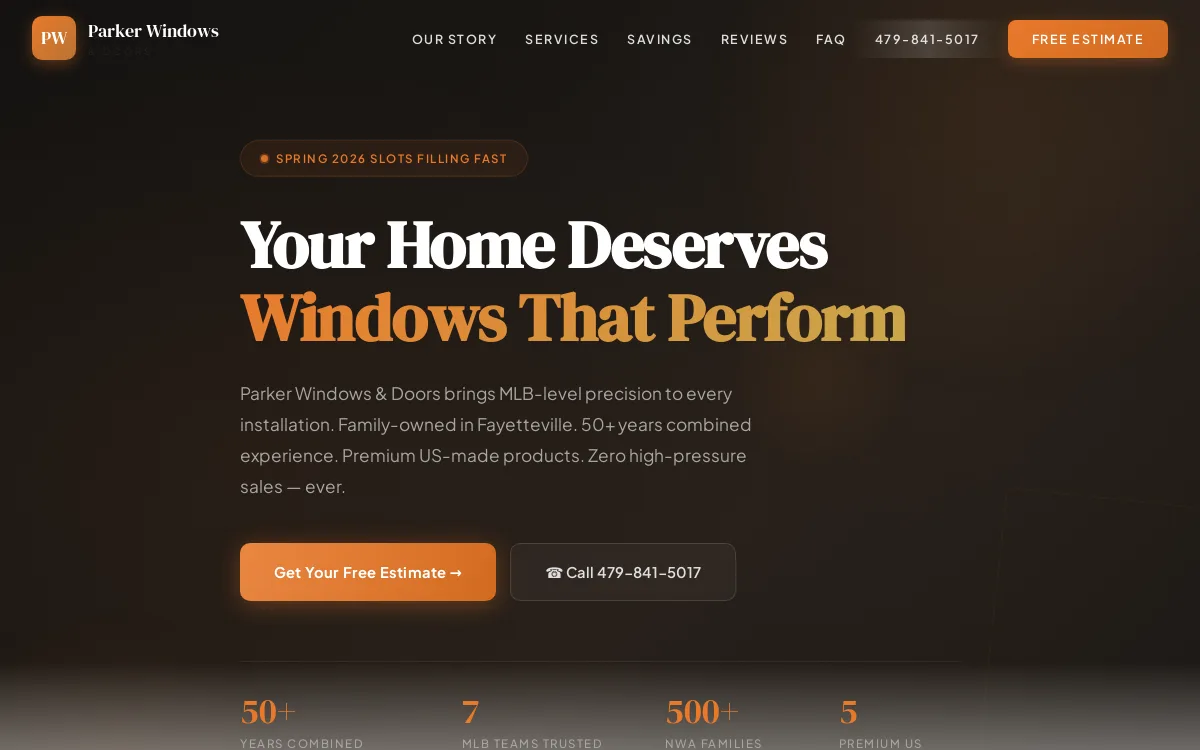
Parker Windows
Construction & Contractors

Radiant Elements
Construction & Contractors
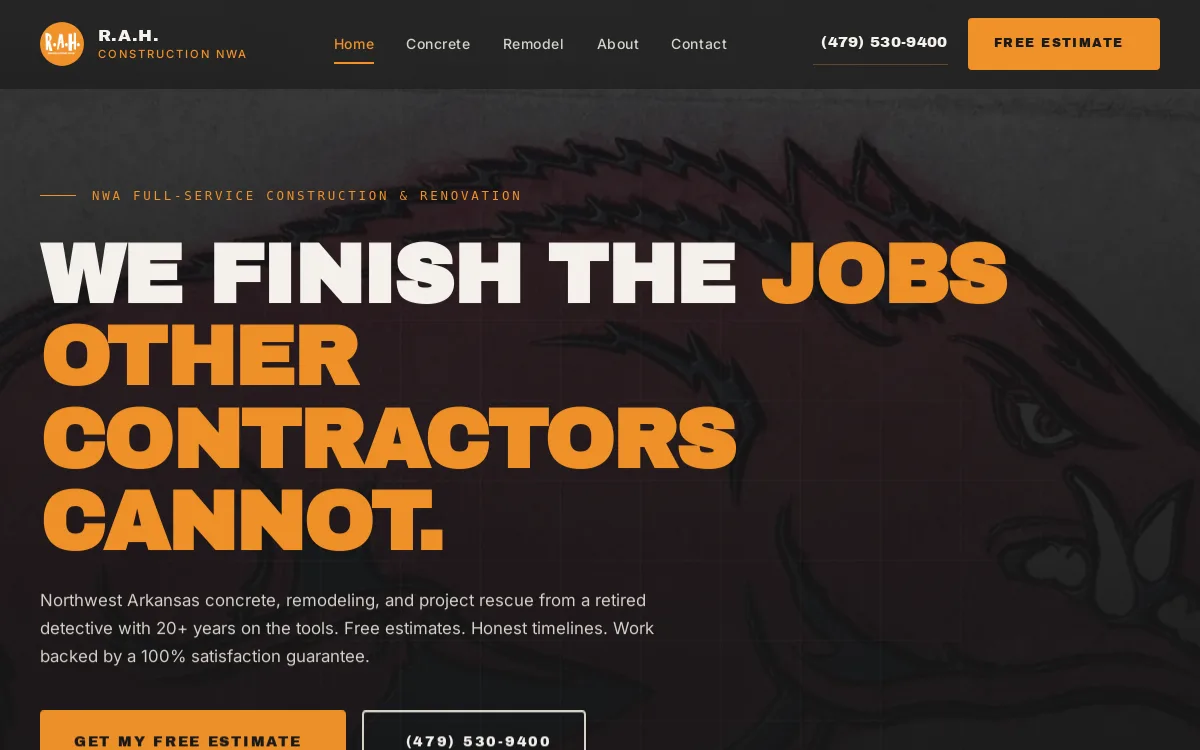
RAH Construction NWA
Construction & Contractors

Sign Artists
Construction & Contractors

Steele Solutions
Construction & Contractors
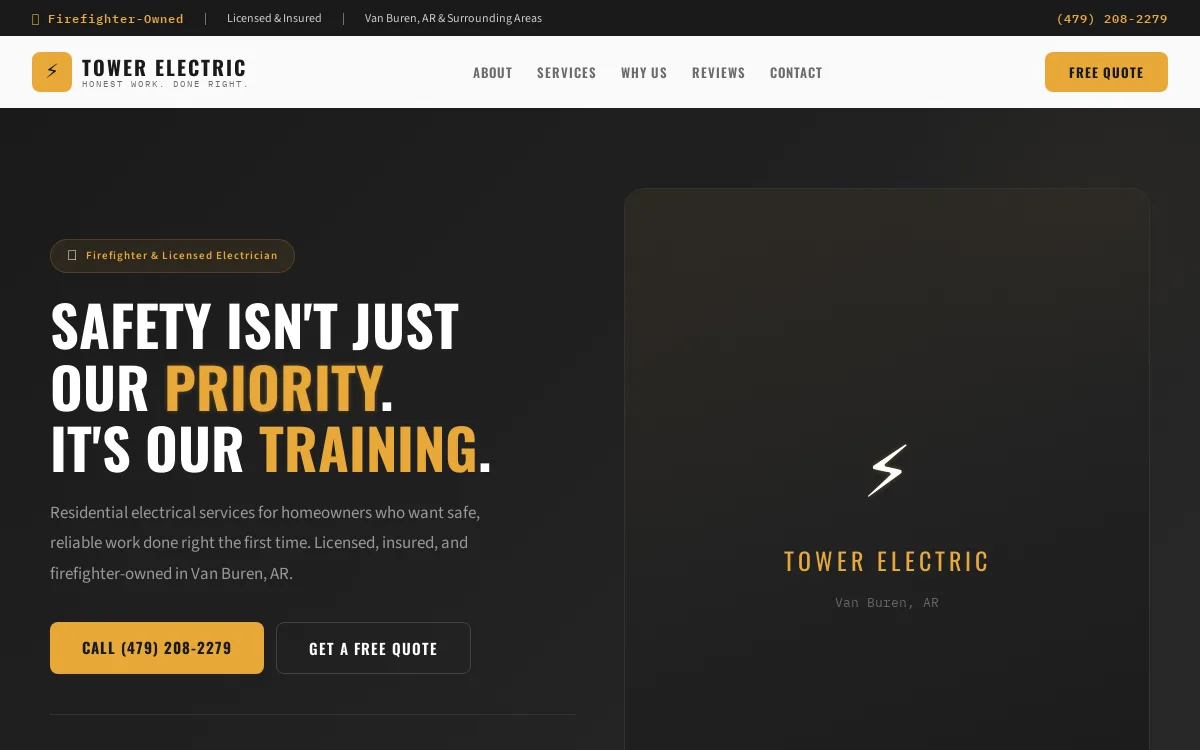
Tower Electric
Construction & Contractors
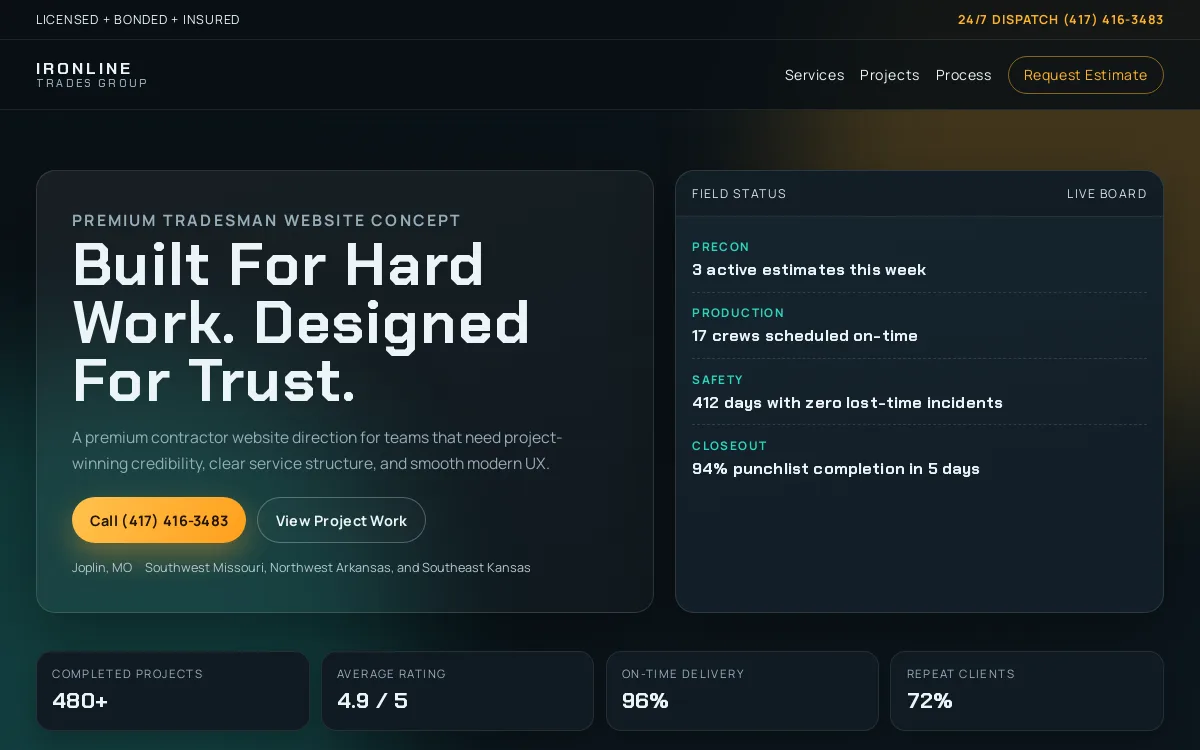
Tradesman
Construction & Contractors
Need a site like these?
Tell us what you're building. We'll match the right pattern.
Start a project →What this vertical needs to rank
People searching for a contractor are almost never browsing. They have a leaking foundation, a kitchen they want gutted, or a roof that failed an inspection, and they are searching with intent like "concrete contractor near me," "licensed roofer in [city]," "how much does a basement remodel cost," or "deck builder open Saturday." The job of a construction or contractor website is to convert that urgency into a phone call or a quote request before the visitor opens three competitor tabs. That means the page has to answer the trade, the service area, the licensing status, and the proof-of-work questions above the fold, on a phone, in the field, often on a weak connection at a job site.
The trust signals that move a homeowner or a general contractor are specific to this industry, and most contractor sites bury them. License and bonding numbers, the states or counties where the crew is actually licensed to work, insurance coverage, manufacturer certifications (GAF, Owens Corning, Trex, Pella, and similar), and association memberships all reduce the perceived risk of hiring a stranger to tear into a building. So does an honest project portfolio: before-and-after photos, the scope of each job, the materials used, and the city it was in. Generic stock imagery and a "20 years experience" banner with nothing behind it are the fastest way to read as a fly-by-night operator. Real photos of real work, captioned with location and scope, are both a conversion asset and an image-search asset.
Schema for this vertical is not decorative. A contractor is a LocalBusiness (or the more specific GeneralContractor, RoofingContractor, HVACBusiness, Plumber, or Electrician type) with geo coordinates, a real NAP, hours, and an areaServed that lists the towns and counties the crew covers. Each trade should be a Service node so Google and AI assistants can tell that you do foundation repair, slab pours, and decorative concrete as distinct offerings rather than a single blur. FAQ schema captures the high-intent questions buyers actually type, and AggregateRating tied to a genuine review profile is one of the few things that earns a star treatment in the results. The portfolio photos belong in ImageObject markup with descriptive alt text so they surface in image and visual search, where a lot of remodel research starts.
The reason most contractor sites fail to get indexed or ranked is rarely the trade and almost always the build. They are thin, with one paragraph per service and no real differentiation between the plumbing page and the HVAC page. They serve a single town with no dedicated service-area pages, so they never show up for the surrounding cities where the work actually is. They are slow, image-heavy WordPress builds that fail Core Web Vitals on the exact mobile devices their customers use. And the NAP on the site disagrees with the Google Business Profile, the Facebook page, and the directory listings, which quietly erodes the local trust signal. ThatDevPro builds in this vertical address those failure modes directly: a fast static or React/Next.js front end, distinct service and service-area pages with genuine depth, consistent NAP wired into the schema, and a portfolio that doubles as proof and as crawlable content.
- Correct LocalBusiness subtype (GeneralContractor, RoofingContractor, Plumber, Electrician, HVACBusiness) with geo, hours, and a real areaServed covering every town and county you work in.
- One indexable page per trade and per major service area, each with unique content, instead of a single thin "Services" page that has to rank for everything.
- A genuine project portfolio in ImageObject schema: before-and-after photos captioned with scope, materials, and city, optimized so they rank in image and visual search.
- Visible, verifiable trust signals — license and bond numbers, insurance, manufacturer certifications, and association memberships — placed where buyers look, not in the footer.
- Consistent NAP across the site, Google Business Profile, and directories so the local pack and AI assistants treat you as one coherent entity.
- Mobile-first performance and clean Core Web Vitals, because most contractor searches happen on a phone, sometimes at the job site on a weak signal.
Related playbooks: our local SEO framework for service-area pages and the local pack, the trust signals playbook for license, insurance, and certification surfacing, the schema implementation guide for the right LocalBusiness subtype and Service nodes, image SEO for getting project photos to rank, and technical SEO for the crawlability and Core Web Vitals issues that sink most contractor builds.
Frequently asked questions
Why isn't my contractor website showing up for nearby towns?
Almost always because the site only has one location's worth of content. Google ranks a page for a town when that page is genuinely about that town. If you serve six cities but only have a single homepage that mentions your headquarters, you will struggle to rank in the surrounding markets. The fix is a dedicated, genuinely written service-area page for each city or county you cover, plus an areaServed list in your LocalBusiness schema and a consistent presence in local directories. Thin doorway pages that just swap the city name will get filtered, so each page needs real, specific content.
What structured data does a contractor site actually need?
Start with the most specific LocalBusiness subtype that fits your trade — GeneralContractor, RoofingContractor, Plumber, Electrician, or HVACBusiness — and include your real name, address, phone, hours, geo coordinates, and an areaServed. Add a Service node for each distinct trade you offer so search engines and AI assistants can tell your services apart. Mark up your project photos as ImageObject, use FAQ schema for the questions buyers ask, and include AggregateRating only if it points to a genuine, verifiable review source. Skip invented ratings; they are a manual-action risk and they erode trust if a buyer checks.
Do project photos really help, or are they just decoration?
They are one of the strongest assets a contractor site has. Real before-and-after photos of your own work prove competence in a way no copy can, and when they are captioned with the scope, materials, and city and marked up correctly, they become crawlable content that surfaces in image and visual search — where a lot of remodel and repair research begins. Stock photography does the opposite: it reads as generic and adds nothing to your search footprint. The win is using genuine job photos that serve as conversion proof and SEO at the same time.
My site is slow on phones. Does that affect my leads?
Yes, on both ends. Most contractor searches happen on a mobile phone, often on a weak connection, and a homeowner with an urgent problem will leave a page that takes several seconds to load. Slow, image-heavy builds also fail Core Web Vitals, which Google uses as a ranking input, so you lose visibility and the visitors you do get bounce. A fast, mobile-first front end with properly sized and lazy-loaded images keeps both the ranking signal and the conversion rate intact, which is why the builds in this vertical favor lightweight static or React/Next.js front ends over heavy plugin stacks.