
Vertical
Photography
Portfolio-first photography sites with image SEO, srcset optimization, and Print + Booking schema.
5 live builds in this vertical.
Demo builds


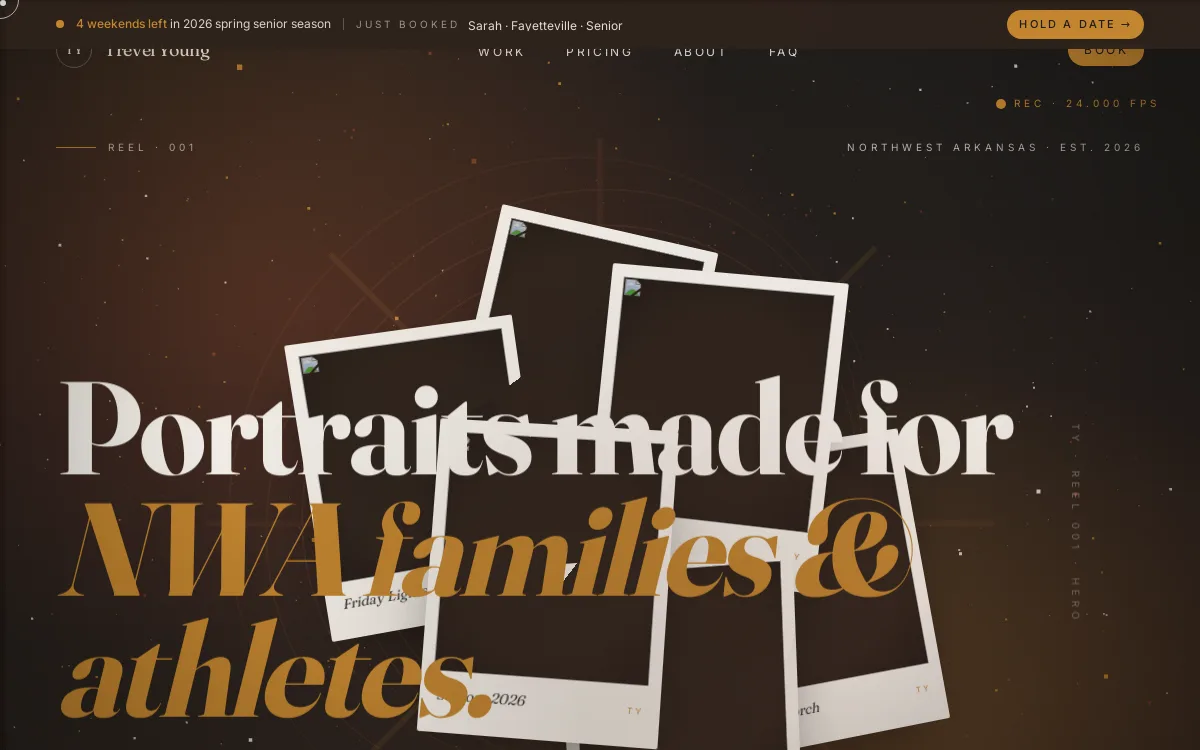
Need a site like these?
Tell us what you're building. We'll match the right pattern.
Start a project →What this vertical needs to rank
Photography is a discovery-and-trust business, and the website has to do both jobs at once. The buyer almost always arrives through a named intent: "wedding photographer near me," "newborn photographer [city]," "real estate photography [metro]," "senior portrait photographer," "headshot photographer downtown." These queries are local, dated, and budget-sensitive, so a single homepage gallery will not rank for them. A photographer who shoots weddings, brand sessions, and real estate needs a distinct, indexable page per service, each one carrying its own gallery, its own location language, its own pricing posture, and its own booking call to action. The genre pages are what actually earn impressions; the homepage rarely does.
The technical failure mode in this vertical is almost always the images themselves. Photographers ship 4000-pixel hero galleries straight off the camera, and the page balloons past several megabytes, tanks Largest Contentful Paint on mobile, and gets buried before the work is ever judged. The fix is responsive srcset and sizes, modern AVIF/WebP encoding, real width/height attributes to stop layout shift, lazy-loading below the fold with an eager, high-priority hero, and a CDN in front of the originals. Just as important and just as commonly skipped: descriptive, human alt text and intentional filenames. "sarah-james-wedding-crystal-bridges-bentonville.jpg" tells Google and Google Lens what the frame is; "IMG_4471.jpg" tells them nothing, and image search is a primary discovery surface for this craft.
The schema that fits photography is concrete. LocalBusiness (or the more specific ProfessionalService) with geo, areaServed, hours, and price range anchors the studio to its market. Every gallery image deserves ImageObject with a real caption, contentUrl, and creator credit, which is also how you stake an authorship and licensing claim as your work gets scraped and re-shared. Per-genre Service entries describe what you actually book, a FAQPage answers the questions clients ask before they inquire, and genuine client reviews surfaced as Review/AggregateRating carry real weight because hiring a photographer is a high-trust, irreversible purchase. If you sell prints, that path is e-commerce and wants Product/Offer markup, not a portfolio template bolted onto a checkout.
Trust is the conversion lever the schema only hints at. People hand a photographer the one chance at a wedding day, a newborn's first week, or the photo that fronts their business, so the page has to make the decision feel safe: a full named portfolio over stock-feeling samples, clear deliverables and turnaround, transparent or starting-at pricing so you stop fielding tire-kickers, visible reviews tied to recognizable shoots, and a booking path that is one tap, not a buried contact form. The conversion path should be short and obvious on mobile, where most of this traffic lives: see the work, read the terms, check the date, inquire. Sites that bury availability behind a generic form, or hide price entirely, leak qualified leads to whoever answered faster.
- A dedicated, indexable page per genre (weddings, portraits, brand, real estate, events) instead of one all-purpose gallery.
- Responsive
srcset/AVIF galleries with descriptive filenames andalttext, sized to keep LCP fast on mobile. ImageObjectcreator credits plusLocalBusiness+Service+FAQPage+Reviewschema that matches what is on the page.- Genuine portfolio proof and visible client reviews tied to real, recognizable shoots.
- Transparent pricing or clear starting-at figures so inquiries arrive pre-qualified.
- A short, mobile-first booking path: see the work, check availability, inquire in one tap.
Related playbooks: Image SEO for srcset, AVIF, filenames, and alt text, Local SEO for service-area photographers, Visual search optimization for Google Lens and Pinterest discovery, Schema markup for ImageObject, LocalBusiness, and Service, and Trust signals that turn portfolio views into bookings.
Frequently asked questions
Why isn't my photography portfolio showing up on Google?
Two reasons dominate. First, a single homepage gallery has no text and no per-service targeting, so it has nothing to rank for against queries like "wedding photographer [city]" or "newborn photographer near me" — you need a distinct, crawlable page per genre with real location language. Second, heavy unoptimized images make the page slow on mobile, and Google demotes slow pages before anyone sees the work. Splitting into genre pages and shipping responsive AVIF/WebP galleries usually moves the needle more than any keyword tweak.
How do I show up in Google Images and Google Lens for my photos?
Give every image a descriptive filename (the shoot, the subject, the location), real human alt text, and an ImageObject entry in your structured data with a caption and your creator credit. Serve the images at a sensible resolution with width and height set, and keep them on pages with supporting text. Image and visual search are major discovery channels for photographers, and they reward images that are explicitly labeled rather than dumped as IMG_4471.jpg with no context.
Should I put my prices on my photography website?
At minimum, publish a starting-at figure or a price range, and mark it up with a priceRange on your LocalBusiness schema. Hiding price entirely feels safe but it fills your inbox with mismatched inquiries and pushes ready-to-book clients toward photographers who answered the budget question first. Transparent or starting-at pricing pre-qualifies leads, shortens the back-and-forth, and signals confidence — which matters in a high-trust purchase like a wedding or a newborn session.
What does AI search like ChatGPT or Perplexity need to recommend my studio?
Concrete, quotable facts in plain text: the genres you shoot, the cities and region you serve, your starting prices, turnaround time, and what's included. AI answer engines can't read a glossy gallery, but they can read a clear service page, a FAQPage, and a LocalBusiness entity with areaServed and reviews. The same per-genre pages and schema that help you rank on Google are what let an AI engine name your studio when someone asks for a photographer in your area.